

ADMISSIONS APPLICATION

FINANCIAL AID & SCHOLARSHIPS

APPLY FOR
HOUSING

REGISTER FOR
ROAR
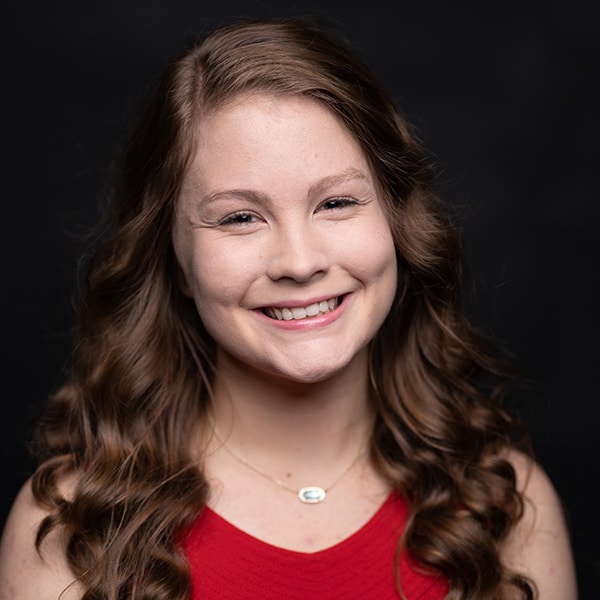
Peyton Barber graduated with an Associate in Arts from PRCC. During her time at the River, she was a part of the Phi Theta Kappa Honors Society Iota Mu chapter, Dr. William Lewis Honors Institute, PRCC Rodeo team, Peer Tutoring Program, and the River Navigators recruitment team. She will attend Mississippi State University to major in Communications with a concentration in Public Relations. Peyton will receive the Phi Theta Kappa transfer scholarship, Mississippi Eminent Scholar Grant, and the MSU Academic Transfer Scholarship to further her undergraduate education.
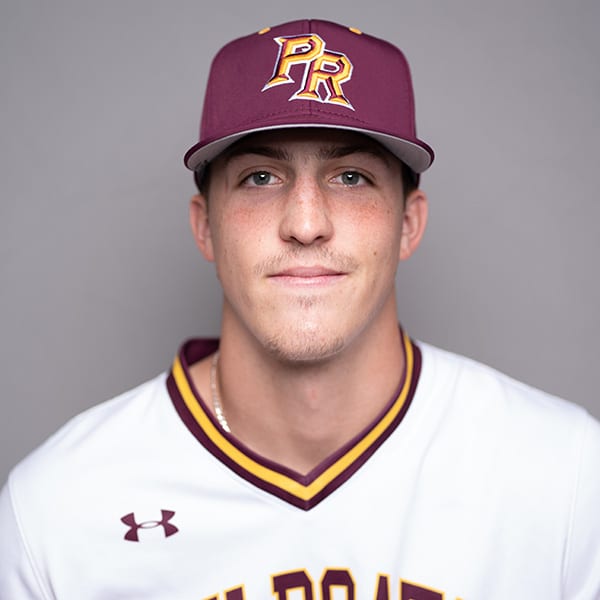
Logan Walters was a three-year member of the Wildcat baseball team. He was named All Region XXIII and First Team All-MACCC after the 2023 season. In addition to his success on the field, Walters was also recognized as NJCAA All Academic Second-Team and MACCC Distinguished All-State. Walters has committed to play baseball for Jacksonville State University.
Hanna graduated with an Associates in Arts (STEM focus) was recently named a Phi Theta Kappa Honor Society Jack Kent Cooke Scholar. Lambert will attend Mississippi State University and study veterinary medicine. The scholarship will provide Lambert up to $55,000 per year to complete her bachelor’s degree. She is PRCC’s eighth Jack Kent Cooke Scholarship recipient in the past eight years
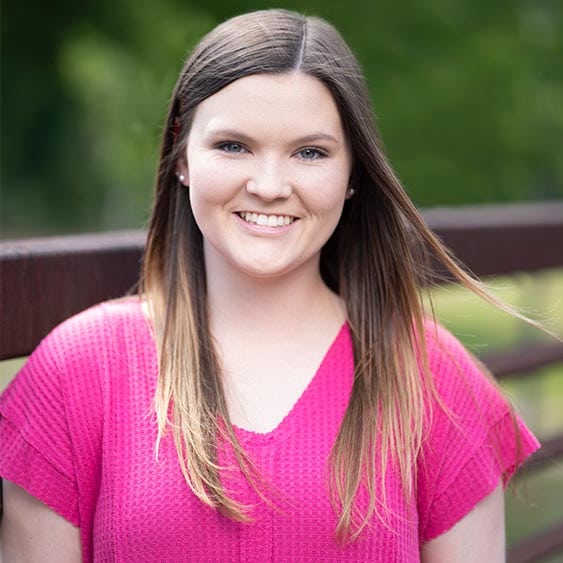
Jorge graduated with an A.A.S in Electronics Technology. Jorge was selected for an internship with Rolls Royce at Stennis Space Center. He will work on airplane engines for Aerobus and Boeing.
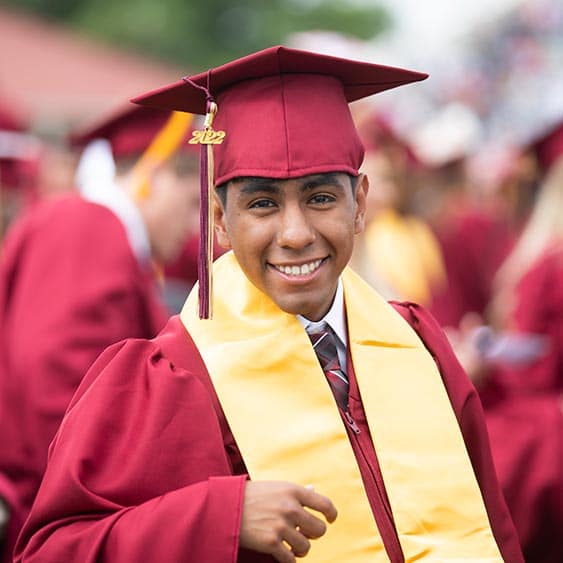


WILDCATS
On the Web
Flying over to our new Hancock Campus building to get a sneak peek at the Aviation and Aerospace Workforce Academy! ✈️ We can’t wait to show you more! #RRR #ROARwithCHAMPIONS
Associate Degree Nursing held the 2024 Advisory Committee Meeting yesterday! This is a time to show support & provide feedback to our PRCC ADN program, so we are able to continue to produce quality nurses that are ready to employ! 🩺💊 #RRR #ROARwithCHAMPIONS
We’re still “hopelessly devoted” to PRCC’s production of “Grease”! 👏🏻 What’s your favorite song in “Grease”? Let us know in the comments! #RRR #PRCC
Spend your summer at The River, and choose a path that works for you! ☀️😸 Did you know we offer 4 week, 5 week, and 8 week courses? 💻 Take in-person or online classes this summer to get ahead or catch up! Enroll today at prcc.edu, and #ROARwithCHAMPIONS! #RRR
Sliding straight into summer semester like… 👀 We know you’re ready for a break, and trust us… we get it! However, summer classes are cost efficient & convenient! Spend your summer at The River & enroll in a summer class or 2 to get ahead or catch up!☀️ #RRR
All smiles on campus today for this beautiful weather & 3 week countdown until graduation! 🎓😸 Are you a PRCC student, alumni, or parent? Let us know in the comments! #RRR #ROARwithCHAMPIONS